はじめに
Googleは2026年7月7日、Gemini APIの「Managed Agents(マネージドエージェント)」機能を拡張し、バックグラウンド実行、リモートMCPサーバー連携、カスタム関数呼び出し、認証情報のリフレッシュに対応したと発表しました。本稿では、これらの新機能の仕組みと実装方法について解説します。
参考記事
- タイトル: Expanding Managed Agents in Gemini API: background tasks, remote MCP and more
- 著者: Philipp Schmid、Mariano Cocirio
- 発行元: Google Developers Blog
- 発行日: 2026年7月7日
- URL: https://blog.google/innovation-and-ai/technology/developers-tools/expanding-managed-agents-gemini-api/
関連記事
要点
- Googleは、Gemini APIのManaged Agents機能に新たに4つの機能を追加したと発表した
- 新機能は、バックグラウンド実行、リモートMCPサーバー連携、カスタム関数呼び出し、認証情報のリフレッシュである
- バックグラウンド実行はinteraction作成時に
background: trueを指定することで有効になり、長時間処理を非同期に実行できる - リモートMCP連携により、
mcp_serverツールを指定するだけで社内システムや独自APIへの接続が可能になった - 認証情報のリフレッシュでは、
environment_idを維持したまま新しいネットワーク設定を渡すことで、サンドボックスの状態を保ったままトークンを更新できる
詳細解説
概要:Managed Agentsのこれまでの歩みと今回の拡張
Googleは2026年5月19日、Gemini APIにManaged Agents機能を追加すると発表しました。1回のAPI呼び出しだけで、推論・ツール利用・コード実行を行うエージェントを、隔離されたLinux環境上で起動できる仕組みです。今回の発表は、そのManaged Agentsを土台としてさらに拡張したものであり、バックグラウンド実行・リモートMCP連携・カスタム関数呼び出し・認証情報リフレッシュの4つの機能が新たに加わりました。
なお、Managed Agentsは現在、2026年6月に正式版(GA)へ移行したGemini Interactions API上で提供されています。Interactions APIは、モデルとエージェントを同一のエンドポイントで扱える設計であり、今回の拡張機能もこの基盤の上に実装されています。
前提条件・環境構成
サンプルコードには、JavaScript/TypeScript向けの @google/genai パッケージ(GoogleのGemini API公式SDK)を使用します。以下のコマンドでインストールできます。
npm install @google/genai
Python版やcURLを使った実装例は、Googleの公式ドキュメント(Antigravity agentのドキュメント)で確認できます。
バックグラウンド実行:長時間タスクをポーリングで管理する
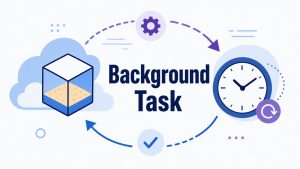
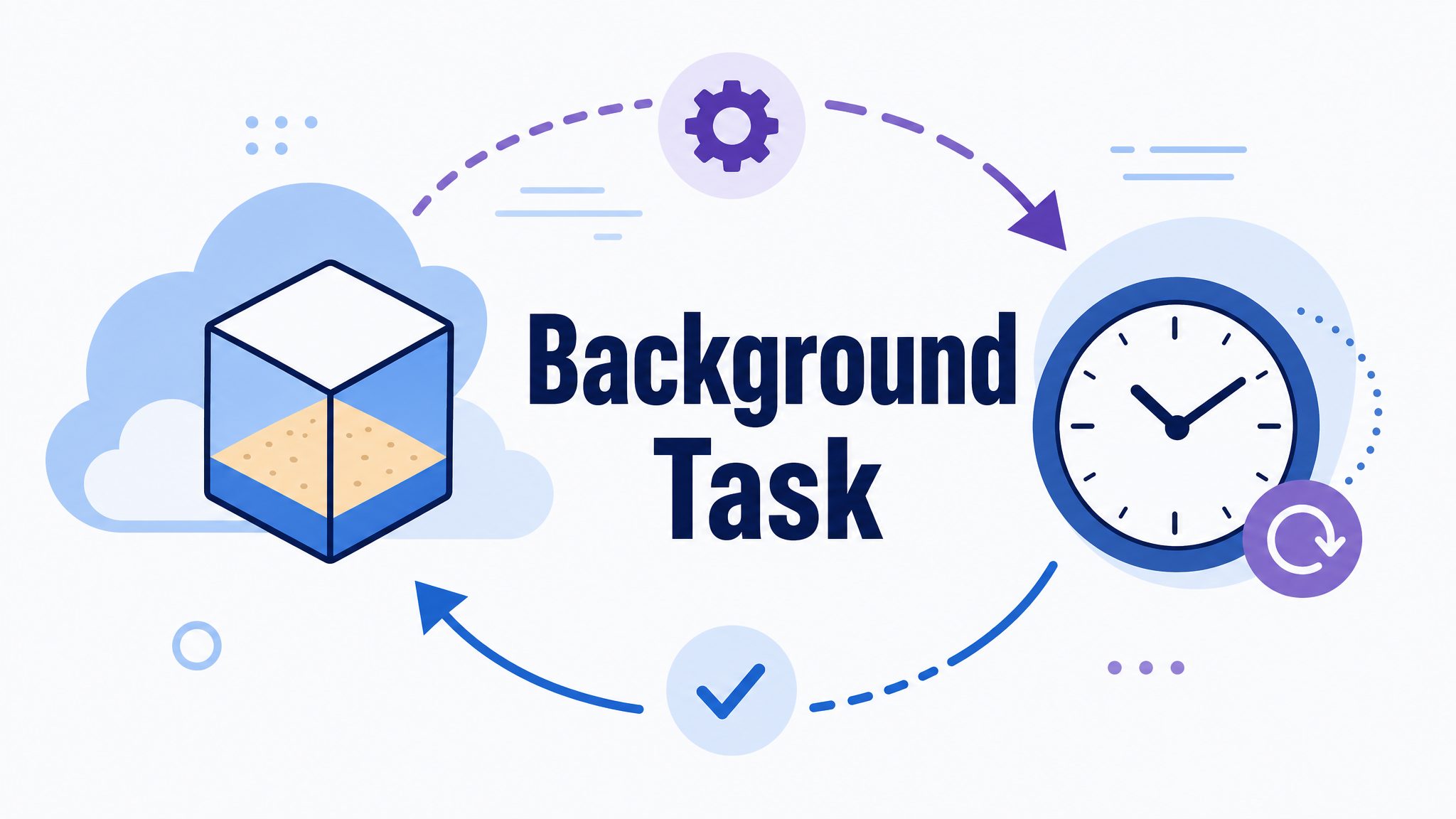
従来、時間のかかる処理を実行する際は、HTTP接続を長時間維持する必要があり、通信が不安定になりやすいという課題がありました。今回の発表では、interactionの作成時に background: true を指定することで、処理をサーバー側で非同期に実行できるようになりました。APIはすぐにIDを返すため、クライアント側はそのIDを使って進捗をポーリングしたり、後から再接続して結果を取得したりできます。
import { GoogleGenAI } from "@google/genai";

const client = new GoogleGenAI({});

// 1. バックグラウンドで長時間の解析タスクを開始する
const interaction = await client.interactions.create({
  agent: "antigravity-preview-05-2026",
  input: "Clone https://github.com/googleapis/js-genai, find all TODO comments in the source code, and categorize them by module and priority in a markdown report.",
  environment: "remote",
  background: true,
});

console.log(`Background task started. Interaction ID: ${interaction.id}`);

// 2. HTTP接続を維持したままにせず、非同期にポーリングする
let result = interaction;
while (result.status === "in_progress") {
  await new Promise((resolve) => setTimeout(resolve, 5000));
  result = await client.interactions.get(interaction.id);
}

if (result.status === "completed") {
  console.log("Task Completed:\n", result.output_text);
} else {
  console.error(`Task ended with status: ${result.status}`);
}
この仕組みにより、リポジトリ全体を解析するような数分単位の処理でも、クライアント側のアプリケーションをブロックせずに実行できると考えられます。
リモートMCP連携:社内システムへの接続をシンプルにする
MCP(Model Context Protocol、AIモデルが外部ツールやデータソースと通信するための標準プロトコル)を使うと、独自のプロキシミドルウェアを書かずに、エージェントを社内データベースや独自APIへ接続できます。今回の拡張では、mcp_server ツールをinteraction作成時に指定するだけで、Google検索やコード実行といった標準ツールと組み合わせて利用できるようになりました。
import { GoogleGenAI } from "@google/genai";

const client = new GoogleGenAI({});

const interaction = await client.interactions.create({
  agent: "antigravity-preview-05-2026",
  input: "Check our internal observability server for recent latency spikes in the auth service and correlate them with git commits.",
  environment: "remote",
  tools: [
    { type: "google_search" },
    { type: "code_execution" },
    {
      type: "mcp_server",
      name: "internal_telemetry",
      url: "https://mcp.internal.example.com/mcp",
    },
  ],
});

console.log(interaction.output_text);
社内の監視サーバーやチケット管理システムなど、既存のMCPサーバーをそのまま接続できる点は、独自の連携コードをその都度書いていた従来の方法と比べて、開発の手間を減らせると考えられます。
カスタム関数呼び出し:サーバー実行とクライアント実行を組み合わせる
組み込みツールに加えて、独自の関数(カスタムツール)を定義することもできます。組み込みツールはサーバー側で自動的に実行される一方、カスタム関数はinteractionのステータスが requires_action に切り替わり、クライアント側で実行する必要があります。
import { GoogleGenAI } from "@google/genai";

const client = new GoogleGenAI({});

// 1. 独自の関数(get_weather)を定義する
const getWeatherTool = {
  type: "function",
  name: "get_weather",
  description: "Gets the current weather for a given location.",
  parameters: {
    type: "object",
    properties: {
      location: {
        type: "string",
        description: "The city and country, e.g. San Francisco, USA",
      },
    },
    required: ["location"],
  },
};

// 2. コード実行(組み込みツール)とカスタム関数を同時に渡す
const interaction = await client.interactions.create({
  agent: "antigravity-preview-05-2026",
  input: "Check the weather in Tokyo, write a Python script to convert the temperature to Fahrenheit, and save the result to weather.txt.",
  environment: "remote",
  tools: [
    { type: "code_execution" },
    getWeatherTool,
  ],
});

// 3. クライアント側で実行が必要な関数呼び出しを判定する
if (interaction.status === "requires_action") {
  const executedCalls = new Set(
    interaction.steps
      .filter((s) => s.type === "function_result")
      .map((s) => s.call_id)
  );

  const pendingCalls = interaction.steps.filter(
    (s) => s.type === "function_call" && !executedCalls.has(s.id)
  );

  for (const call of pendingCalls) {
    console.log(`Executing client tool: ${call.name} (ID: ${call.id})`);
    // ここで実際のAPI呼び出しやデータベース参照を行い、結果をfunction_resultとして返す
  }
}
この「ステップマッチング」の仕組みにより、ファイル操作のようなサンドボックス内で完結する処理と、社内APIの呼び出しのようにクライアント側でしか実行できない処理を、1つのエージェントの中で自然に組み合わせられます。
認証情報のリフレッシュ:サンドボックスの状態を保ったままトークンを更新する
アクセストークンや短命なAPIキーは期限切れになるため、既存の environment_id を維持したまま新しいネットワーク設定を渡すことで、認証情報を更新したりキーをローテーションしたりできます。新しいルールは即座に適用され、サンドボックスのファイルシステムの状態やインストール済みパッケージ、クローン済みのリポジトリはそのまま保持されます。
import { GoogleGenAI } from "@google/genai";
const client = new GoogleGenAI({});

// 1. 最初のinteractionでは初期トークンを使用する
const first = await client.interactions.create({
  agent: "antigravity-preview-05-2026",
  input: "List the files in gs://my-bucket/reports/ using the GCS JSON API.",
  environment: {
    type: "remote",
    network: {
      allowlist: [
        {
          domain: "storage.googleapis.com",
          transform: {
            Authorization: "Bearer INITIAL_TOKEN",
          },
        },
      ],
    },
  },
});

// 2. 同じ環境上でトークンをリフレッシュする
const result = await client.interactions.create({
  agent: "antigravity-preview-05-2026",
  input: "Now download the file reports/q1.csv from the same bucket.",
  environment: {
    type: "remote",
    environment_id: first.environment_id,
    network: {
      allowlist: [
        {
          domain: "storage.googleapis.com",
          transform: {
            Authorization: "Bearer REFRESHED_TOKEN",
          },
        },
      ],
    },
  },
});
console.log(result.output_text);
クラウドストレージなど、期限付きトークンを使う外部サービスと継続的に連携するエージェントを構築する際には、この仕組みが実用的だと思います。
注意: 上記のコードは参考記事に掲載されたサンプルをもとにしています。実際の環境で動作させる際は、APIキーやトークンの管理方法について、公式ドキュメントのセキュリティのベストプラクティスもあわせて確認することをおすすめします。
まとめ
今回の拡張により、Gemini APIのManaged Agentsは、非同期処理や外部システム連携を前提とした、より本番運用に近い機能を備えたと言えます。バックグラウンド実行とMCP連携が組み合わさることで、社内システムと連携する自律型エージェントの開発は、これまでよりも身近になっていくと考えられます。